







I have an Android HTC Wildfire. When I try to download it from the Android Market, I get the message that it canon be installed on my Android. What goes. Wrong?
NEW! MyHeritage app for iPhone, iPad & Android released today!
The new MyHeritage mobile app has arrived: explore your family tree, capture family moments and much more.
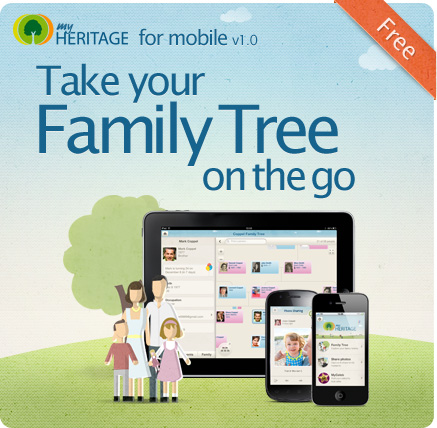
We’re excited to announce the release of the new MyHeritage app for iPhone, iPad and Android (version 1.0). Now you can explore your family tree, capture family moments for future generations and stay in touch with your family anytime, anywhere.
To get started, download the app for free from the App Store or the Android Market and log in to your MyHeritage account. The MyHeritage app automatically syncs all the data with your family site. Not a member yet? Sign up for free on MyHeritage.com, build your family tree and begin the exciting journey into your family history.
Version 1.0 of the app supports multiple trees, multiple family sites and 14 languages (English, Czech, Danish, Dutch, Finnish, French, German, Italian, Norwegian, Polish, Portuguese, Slovak, Spanish and Swedish). More languages are coming soon. Think that’s cool? Read on to learn more about the app.
So, what’s included in the new MyHeritage mobile app?
Your family tree like you’ve never seen it before – The new MyHeritage app was made especially for mobile devices using cutting-edge HTML5, and combines beautiful graphics and touch-screen gestures to create an experience that will impress your relatives and make you proud of your family history.
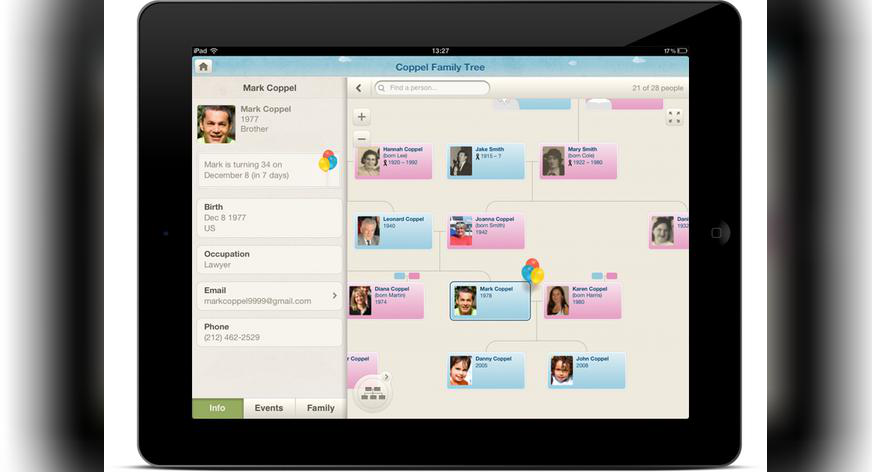
Explore the tree using pinch-zoom and panning, or easily navigate with our unique radar (iPad only). Tap on a card to view a family member’s profile page, where you can browse information and events, view birthday and anniversary info, tap to email or simply give them a call. We’re already working hard on additional features, including editing of the family tree which version 1.0 doesn’t provide yet, so stay tuned for updates.
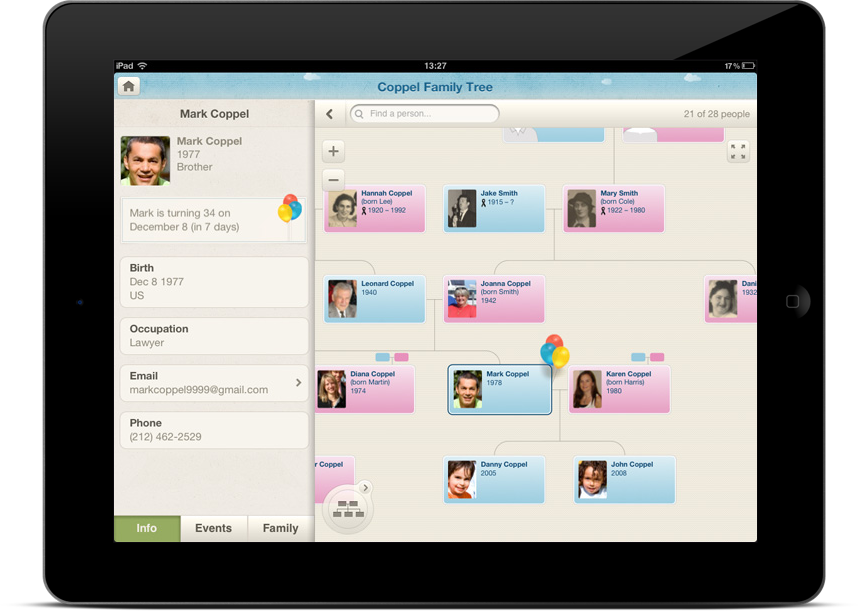
MyHeritage family tree on iPad:when your past meets the future (click to view full size)
Easy photo-sharing – Capture family moments as they happen, quickly share them with the people you love and automatically store them on your family site. Advanced face recognition technology identifies family members in the photo and suggests sharing the photo with them effortlessly. A simple quick-list easy photo sharing created automatically with your closest family members makes photo sharing with family members easier than ever, while a stream of the most recent photos uploaded to your family site ensures that special family moments will never be missed, no matter where you are.
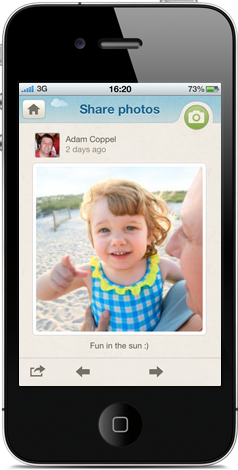
Photo sharing: cherish family moments (click to view full size)
Cool celebrity look-alike feature – Discover your celebrity look-alikes with the MyCeleb feature, based on our face recognition technology and on a huge database of over 4,000 celebrities. Is your celebrity twin a movie star, a top model or a famous pop singer? Find out and share the results on Facebook or Twitter.
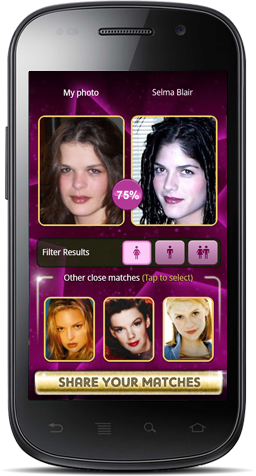
MyCeleb: now for Android users too! (click to view full size)
Download the app now and impress your relatives this holiday season!

Note: the new MyHeritage app for mobile replaces and supersedes our previous mobile apps FamilyConnect and MyCeleb. If you have used one of them before, install the new app to enjoy all the new features.
Download our new app for free from App Store or Android Market and let the fun begin.
Happy holidays!
This is our first version, and we love feedback! Send comments and suggestions to mobilefeedback@myheritage.com.



Ron
December 15, 2011
How exciting! will check it out tonight 🙂